
You are here
WebApps New Features March 2026 to August 2026
Since our last WebApps update in March, we've reached a major milestone with the release of EzeScan WebApps 4.0.0. and delivered a wide range of enhancements across the platform.
From a modernised user experience and expanded AI capabilities to new workflow actions, improved integrations, and infrastructure upgrades, these updates continue to make EWA more powerful, flexible, and easier to use.
Here's what's we think you'll love:
Enhanced End User Experience
Bootstrap 5 - One of the most significant platform upgrades has been our move to Bootstrap 5, providing a cleaner, more responsive user interface and laying the groundwork for future enhancements. With this upgrade we've also introduced Dark Mode support, giving users more control over their viewing experience, particularly in low-light environments. End Users can swap between light/dark mode using the sun/moon icon in the bottom right side of the footer.

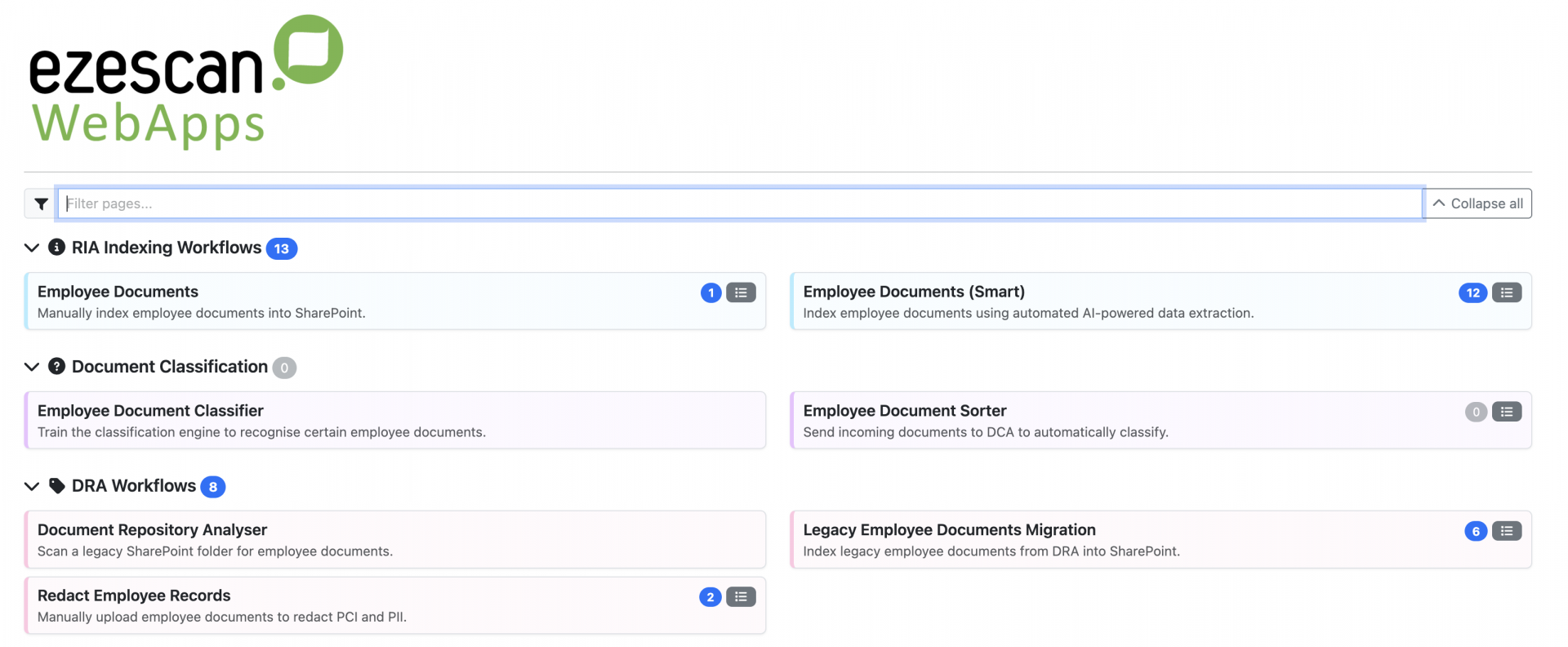
Homepage Update - One of the most noticeable changes is the redesigned homepage experience in version 4.1.1 which delivers a cleaner look and feel and gives administrators more control over how tiles are displayed. Administrators now have greater control over the homepage layout, with configurable tile widths, centrally managed colour settings at the App Page Group level, and the ability for users to expand or collapse application groups. For organisations with a large number of application pages, these improvements make it easier and faster for users to locate certain application pages. You can learn more about these changes here.
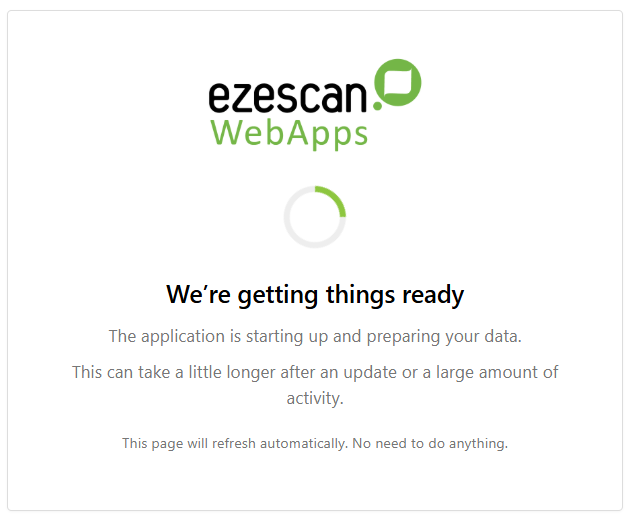
Start Up Loading Screen - To improve the application startup experience, EWA now displays a loading screen while startup processes are running. This provides users with clear visual feedback that the application is loading, helping to eliminate any uncertainty about whether the application has stalled or timed out.
Queue Filters - Another key improvement is the ability to filter queue items based on specific columns. Users can now select any displayed column from the queue filter bar and apply targeted filtering criteria. For date fields, this includes searching for an exact date or filtering for values before or after a specified date. For other field types, users can filter based on conditions such as equals, does not equal, starts with, ends with, or contains. This functionality also extends to custom fields displayed within the queue, making it easier to work with large volumes of documents. In the example below, a custom Document Type field is used to display only items containing the word Performance.

Admin Usability Enhancements
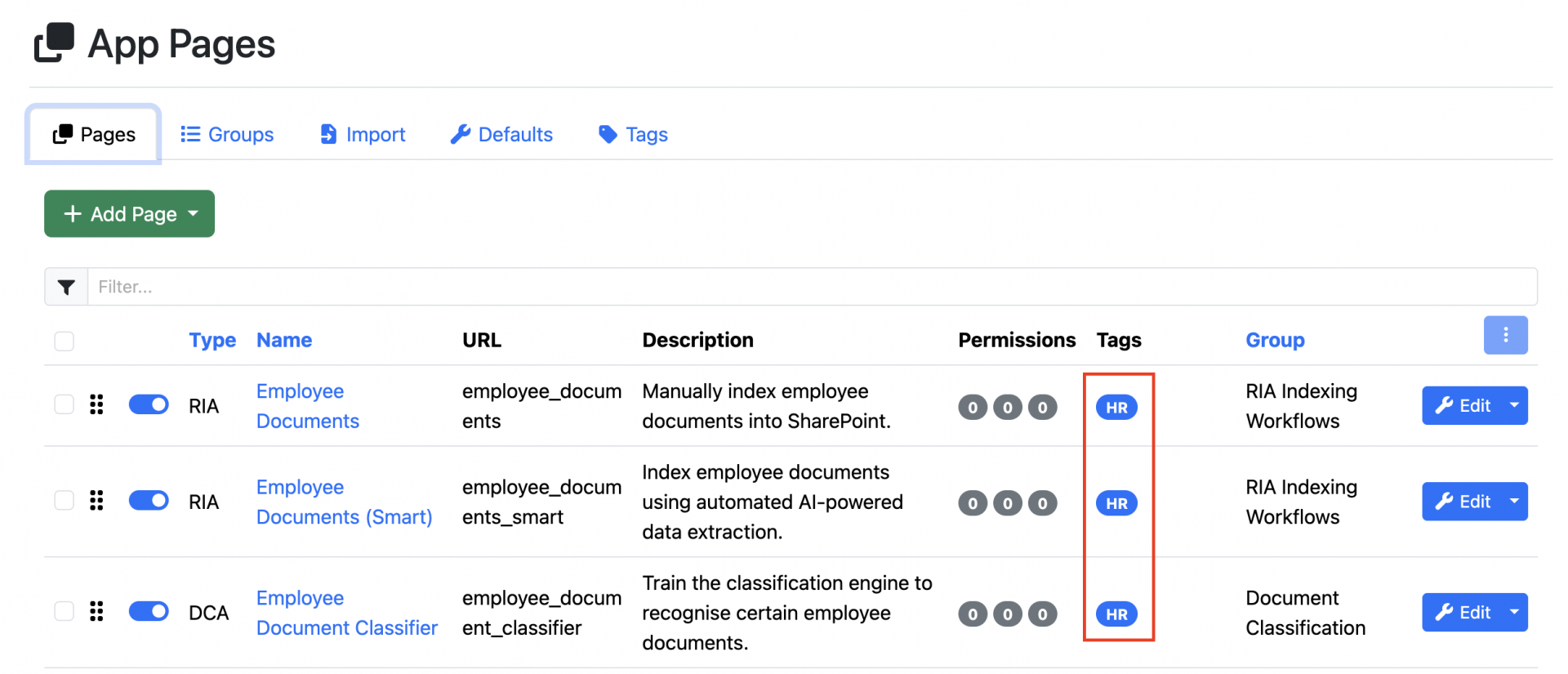
We've introduced App Page Tags, making it easier for administrators to manage and navigate large numbers of configured application pages. Tags can be assigned to App Pages and used to quickly filter and locate relevant pages within the administration interface. This is particularly useful for organisations with multiple departments or business units, allowing administrators to focus on pages relevant to their area without having to search through the entire list of configured applications.
RIA Workflow Enhancements
We've introduced a range of enhancements to RIA workflows, providing users with greater flexibility when processing, managing, and exporting documents.
New AI Model - Building on our support for Azure Document Intelligence and Azure OpenAI, we've now added Azure Content Understanding (ACU) to the EWA pre-processor stack. ACU takes a more intuitive approach to information extraction, using the context of your configured fields to identify and return relevant values without requiring extensive field mapping. Administrators can further refine results by providing guidance on expected values or excluding fields that don't require AI processing. The result is a faster and simpler configuration experience, allowing organisations to deploy new workflows more quickly.
Additional Import and Output Options - Customers using CSV-based metadata outputs can now append metadata to an existing CSV file, allowing either a single CSV file to be maintained for all processed documents or individual CSV files to be generated per document. We've also expanded supported import formats with the ability to process PUB and PUBX files and automatically convert them to PDF.
SMTP Server Improvements - We've made several enhancements to our built-in SMTP Mail Server to improve monitoring, administration, and troubleshooting. The internal SMTP message store now automatically removes empty folders, while additional logging provides visibility when emails are received by the server. Administrators can also view detailed information explaining why items in the Mail Queue have faulted and remove faulted items directly from the queue when required.
New Template Action Buttons - We've expanded the range of Workflow Action Templates available in RIA, making it faster and easier to add functionality to application pages. New templates include the ability to re-run pre-processors, split and merge attachments, delete selected attachments from document bundles. We've also streamlined configuration by allowing multiple Action Templates to be added in one go which is useful when setting up new pages.
Pre-Processor Enhancements - We've delivered a number of pre-processor enhancements since our last update, with two of the most notable focused on barcode recognition and redaction workflows. The Barcode Pre-Processor now supports "Starts With" matching, providing greater flexibility when working with barcode values that share common prefixes. We've also enhanced our redaction capabilities with new masking options, allowing organisations to partially redact sensitive information by masking specific characters or number sequences rather than completely obscuring the entire value.
BCG & DFA Enhancements
For customers using our BCG App, administrators can now customize the information displayed beneath barcodes on cover sheets, providing greater flexibility when designing barcode-driven workflows.
For users of DFA, form processing data can now be output directly to Authority Server. This allows organisations to capture and store form usage data, which can then be leveraged through DPD dashboards and reports to monitor form activity and adoption across the organisation.
Integration Enhancements
We've continued to invest in our growing library of built-in integrations, making them easier to use and providing deeper connectivity with the business systems our customers rely on every day. One of the most significant improvements is the ability for connector instances to be authenticated globally, removing the need for users to sign in separately during each session.
Financial Systems - We've delivered several enhancements across our financial system integrations. The Prime Ecosystem integration now allows users to perform a Work Order search that can display and return Filter Tags, while the TechnologyOne Financials CiA integration includes a new endpoint for searching by Bank Account Number. We've also enhanced our Financial Edge NXT integration with duplicate invoice validation and support for vendor custom field lookups. In addition, Civica Altitude now supports invoice duplicate checking through the EWA Connector Validator.
Document Management Systems - Our document management integrations have also received a number of updates. The OpenText Content Server (REST) integration now supports OAuth 2.0 authentication, while OpenText Content Manager now supports setting record actions and record locations during upload, along with the ability to automatically create locations when records are uploaded. We've also enhanced Objective Nexus to support the creation of virtual files during upload instead of physical files. Rounding out these changes is a new native DocuWare integration, which no longer requires EIS.
Legal Systems - For legal customers, the iManage Work integration now allows a default operator to be configured for sub-folder and workspace tab creation during document upload. We've also introduced a new native LEAP connector that no longer requires EIS and includes support for Matter searches using logical OR conditions across search criteria.