Replace Manual Forms with Intelligent Digital Processes!

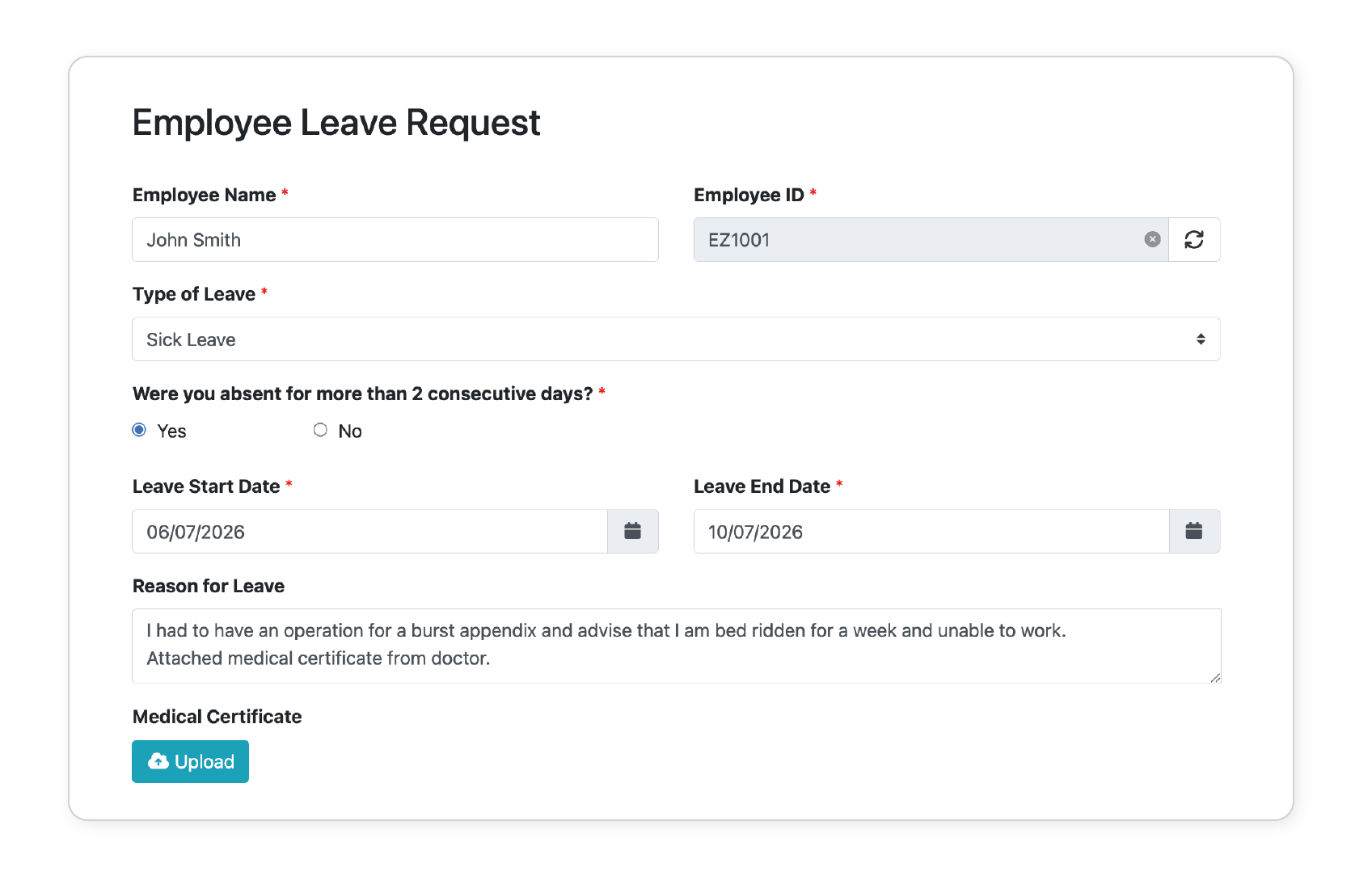
EzeScan's Digital Forms Assistant (DFA) makes it easy to create intelligent online forms for both internal teams and external users

Designed to replace paper-based and manual data collection processes, DFA captures information accurately at the point of entry, reducing administrative effort and eliminating the need for manual data rekeying.

Whether you're building a simple enquiry form, a staff request form, or a complex multi-stage business application, DFA provides a flexible, user-friendly platform that improves the experience for both form creators and form users.
EzeScan DRA Automated Monitoring Image

Effortlessly Build Intelligent Forms

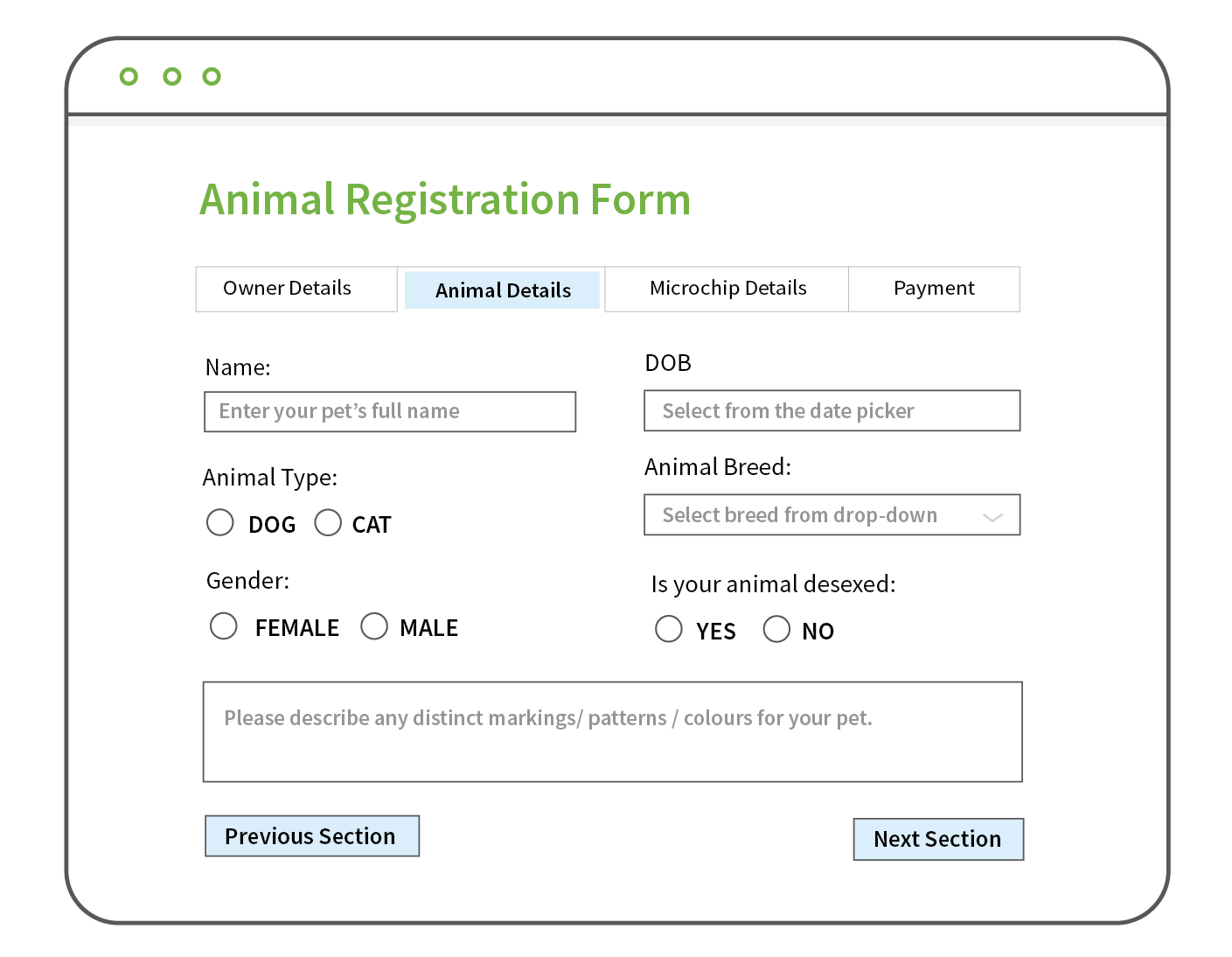
  • Choose from a wide range of field types including text, dropdowns, dates, checkboxes, signatures, attachments and system lookups.
  • Design simple forms or complex multi-tab forms with conditional logic to show or hide fields based on user responses.
  • Validate information as it is entered to ensure required fields are completed and data is captured in the correct format.
  • Connect to databases or supported EDRMS platforms to validate information or automatically retrieve related data.
  • Capture electronic signatures and supporting documents as part of the submission process.
EzeScan DRA Automated Monitoring Image

Customise the User Experience

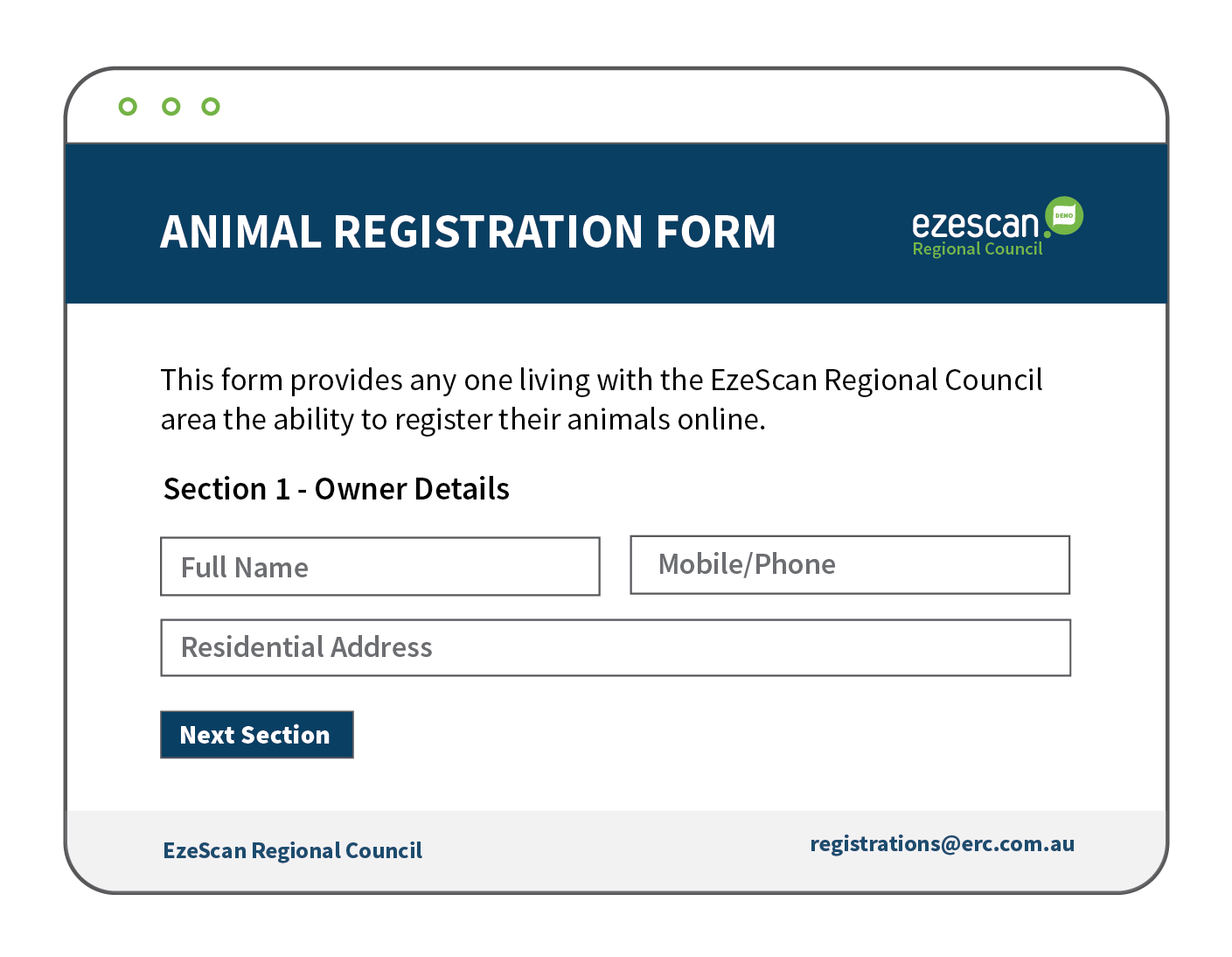
  • Create forms that reflect your organisation's branding and provide a seamless experience for users.
  • Customise form layouts and widths to suit your requirements.
  • Apply your organisation's branding with tailored headers and footers.
  • Restrict access to public-facing forms with optional password protection where required.
EzeScan DRA Smart Searches Image.png

Integrated Online Payments

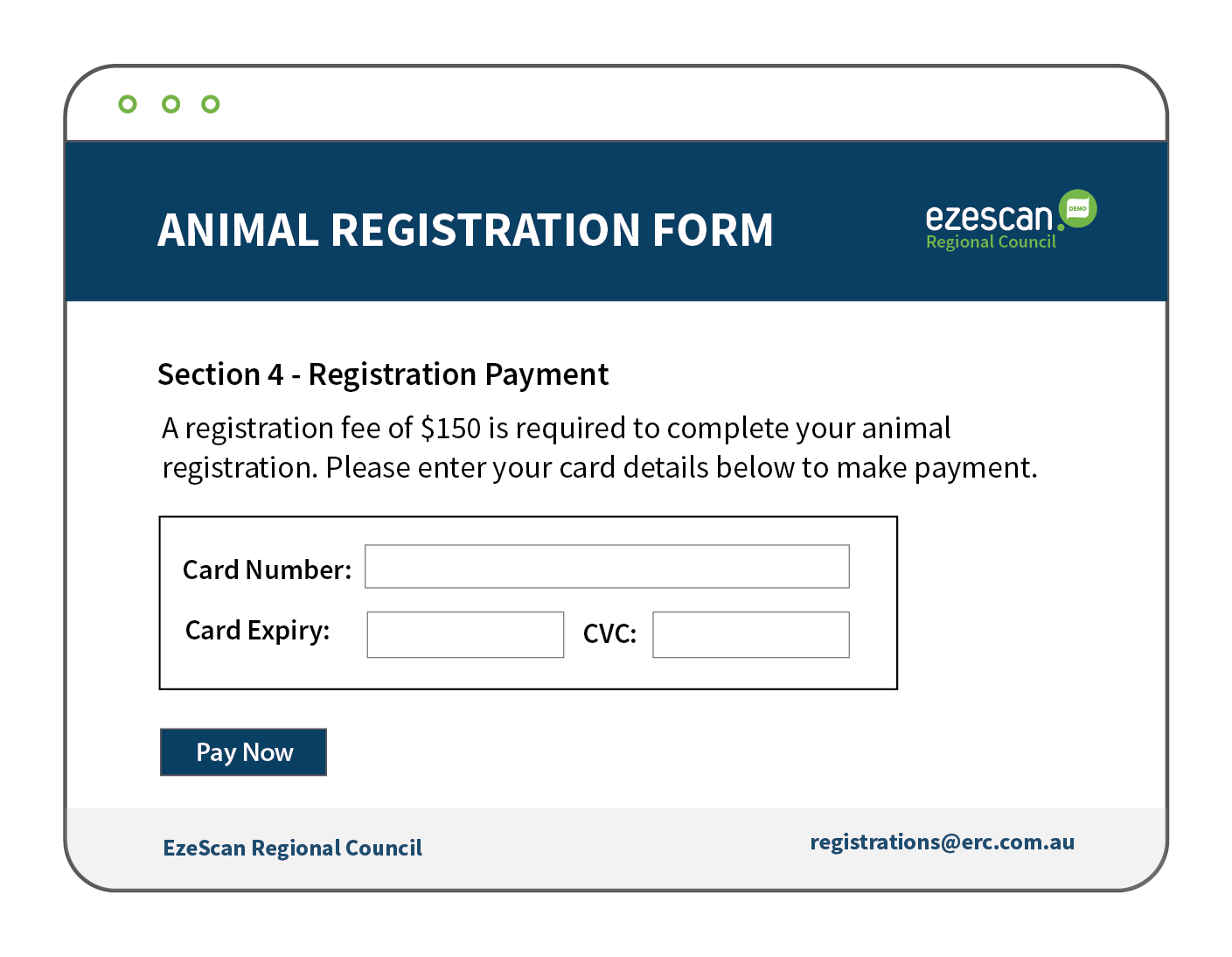
  • Collect payments seamlessly as part of your business process without requiring users to leave the form.
  • Integrates with leading payment providers, including Stripe and Merchant Warrior, for secure online payment processing.
  • Configure payment amount, currency, and payment frequency, including one-time payments or recurring card charges..
  • Automatically send payment receipts through your payment provider using the email address captured in the form.
  • Enable users to submit their information and complete payment in a single, streamlined transaction.
EzeScan DRA Automated Workflows Image

Automate Processing and Workflows

  • Eliminate manual handling and streamline business processes with automated form processing.
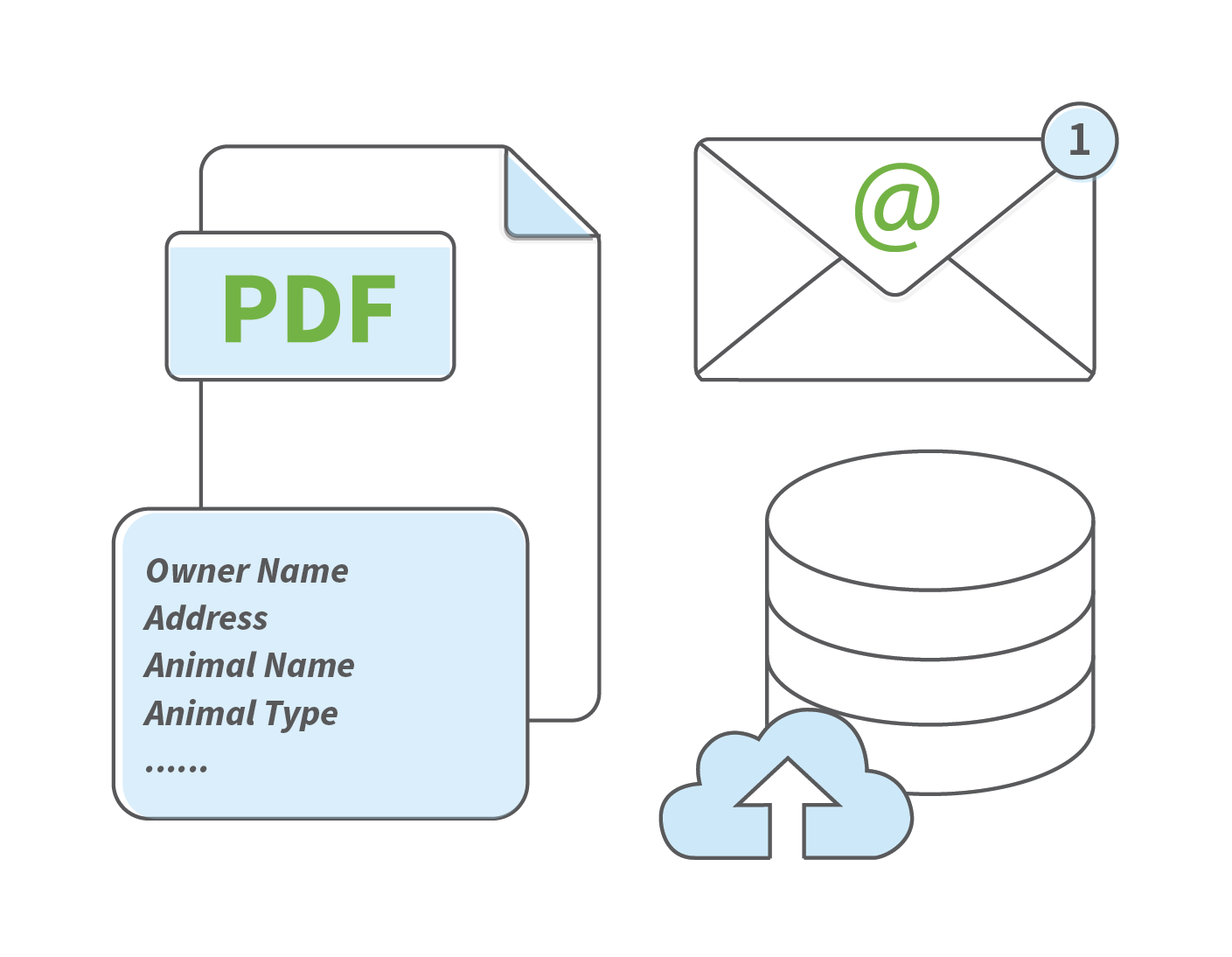
  • Automatically save and file form submissions into supported EDRMS platforms.
  • Trigger workflows and approval processes as soon as a form is submitted.
  • Route submissions to email recipients or EzeScan RIA queues for review and action.
  • Export captured data as XML or post directly to external databases and business systems.
EzeScan DRA WebApp Dashboard Screenshot.png