Gain visibility into your document processing operations!

EzeScan's Data Panel Dashboard provides a centralised view of information captured and processed across the EzeScan platform.

Monitor activity, track performance, identify trends, and gain visibility into your data through configurable dashboards and real-time reporting.

Designed for operational teams and managers, Data Panel Dashboard helps organisations make faster, more informed decisions without relying on manual reporting.
EzeScan DRA Automated Monitoring Image

Data Collection from App Pages

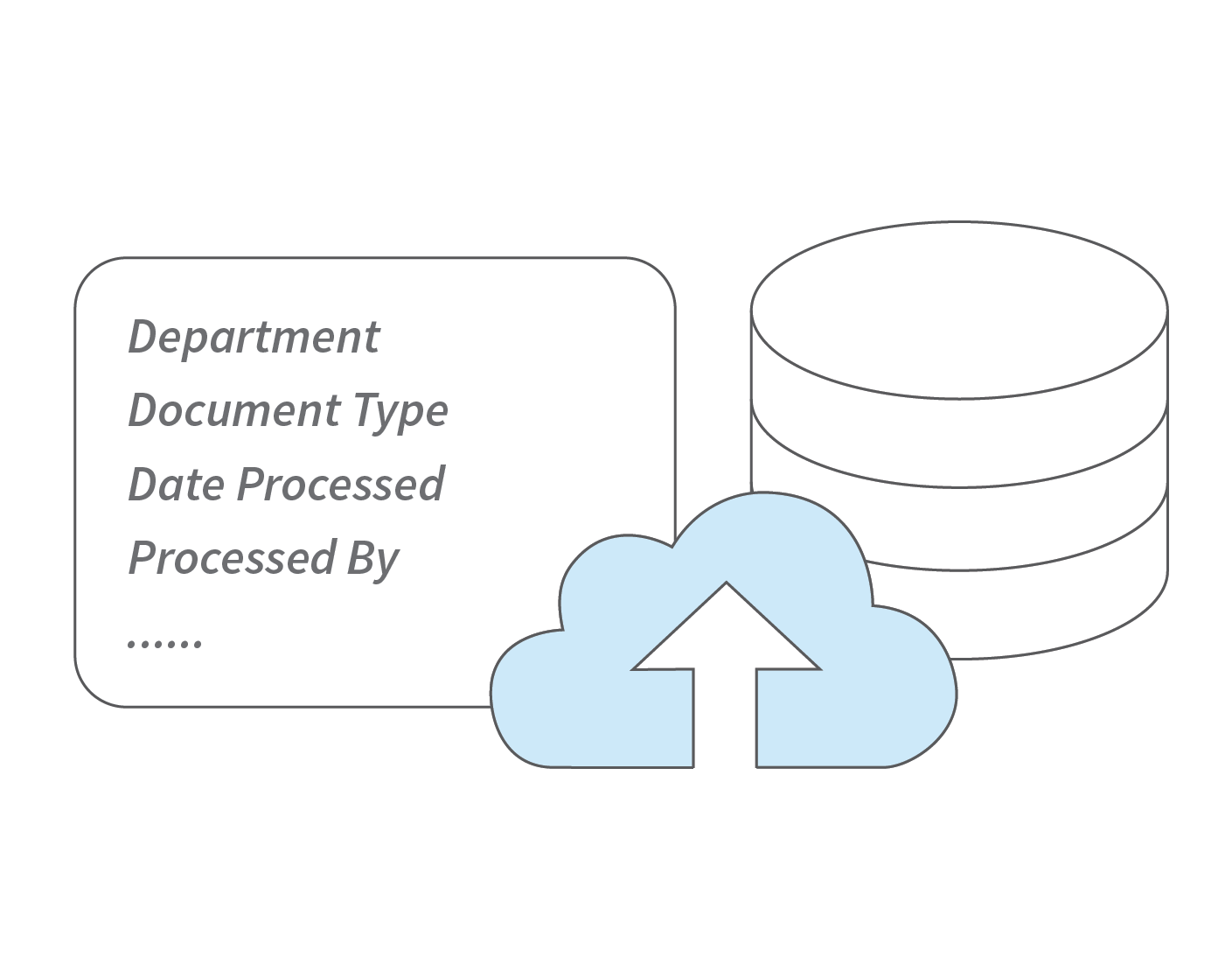
  • Establish a central reporting database, such as Authority Server, to store processing data and logs from configured RIA and DFA App Pages.
  • Configure Output Stages within your RIA or DFA Pages to automatically write processing records to the database when documents or forms are submitted.
  • Control what information is logged, including metadata fields, user actions, processing dates, and other workflow data.
EzeScan DRA Automated Monitoring Image

Customisable Dashboard Panels

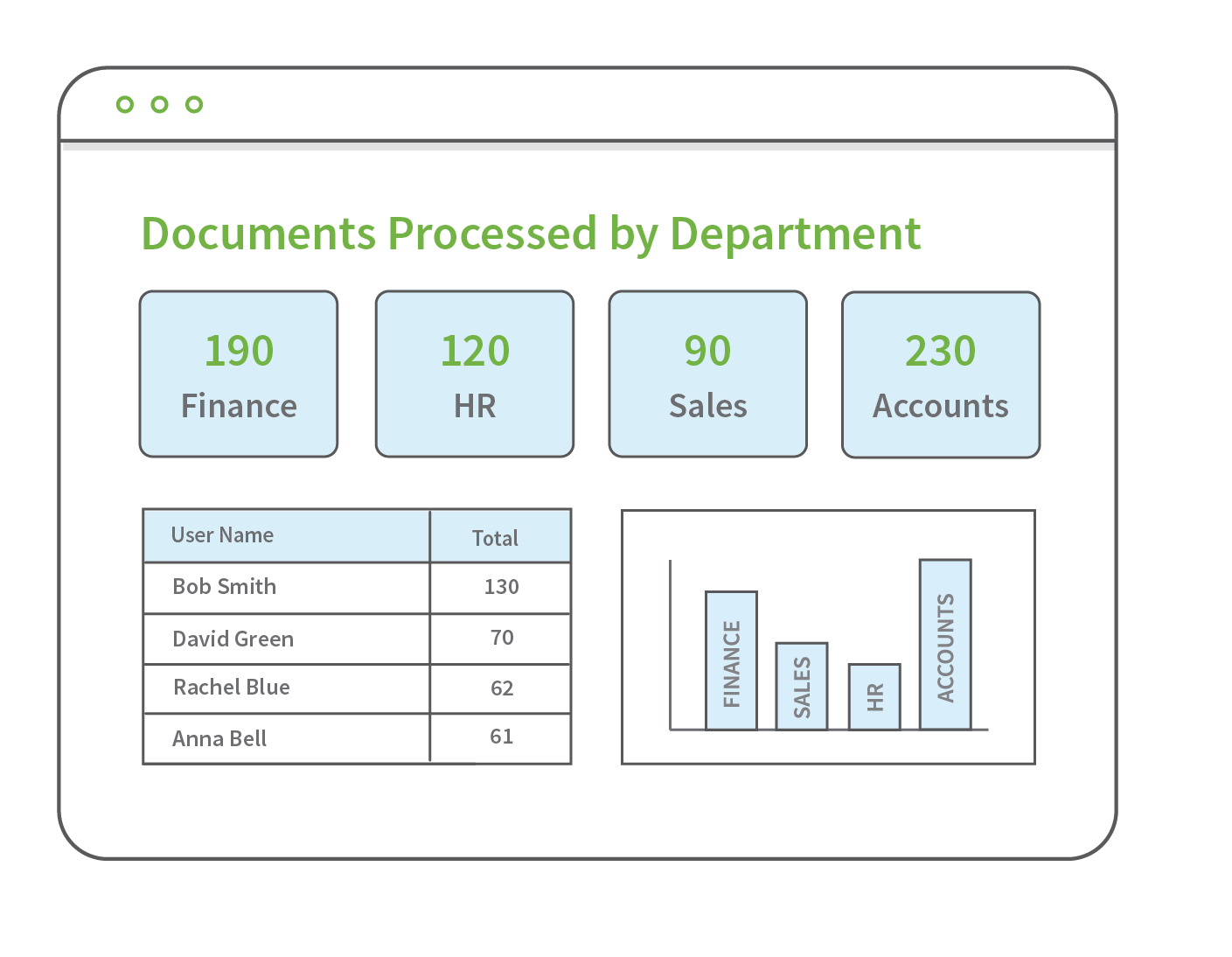
  • Build your own dashboards that provide visibility into the metrics that matter most to your organisation based on your configured pages.
  • Define your own data panels using SQL queries against your configured reporting database.
  • Display information in a variety of formats, including counters, tables, and bar, line, or pie charts.
  • Customise panel layouts, sizes, and colours to suit your reporting requirements.
  • Combine multiple panels into a single, configurable dashboard for a complete view of your operational data.
EzeScan DRA Smart Searches Image.png

Processing Metrics & Insights

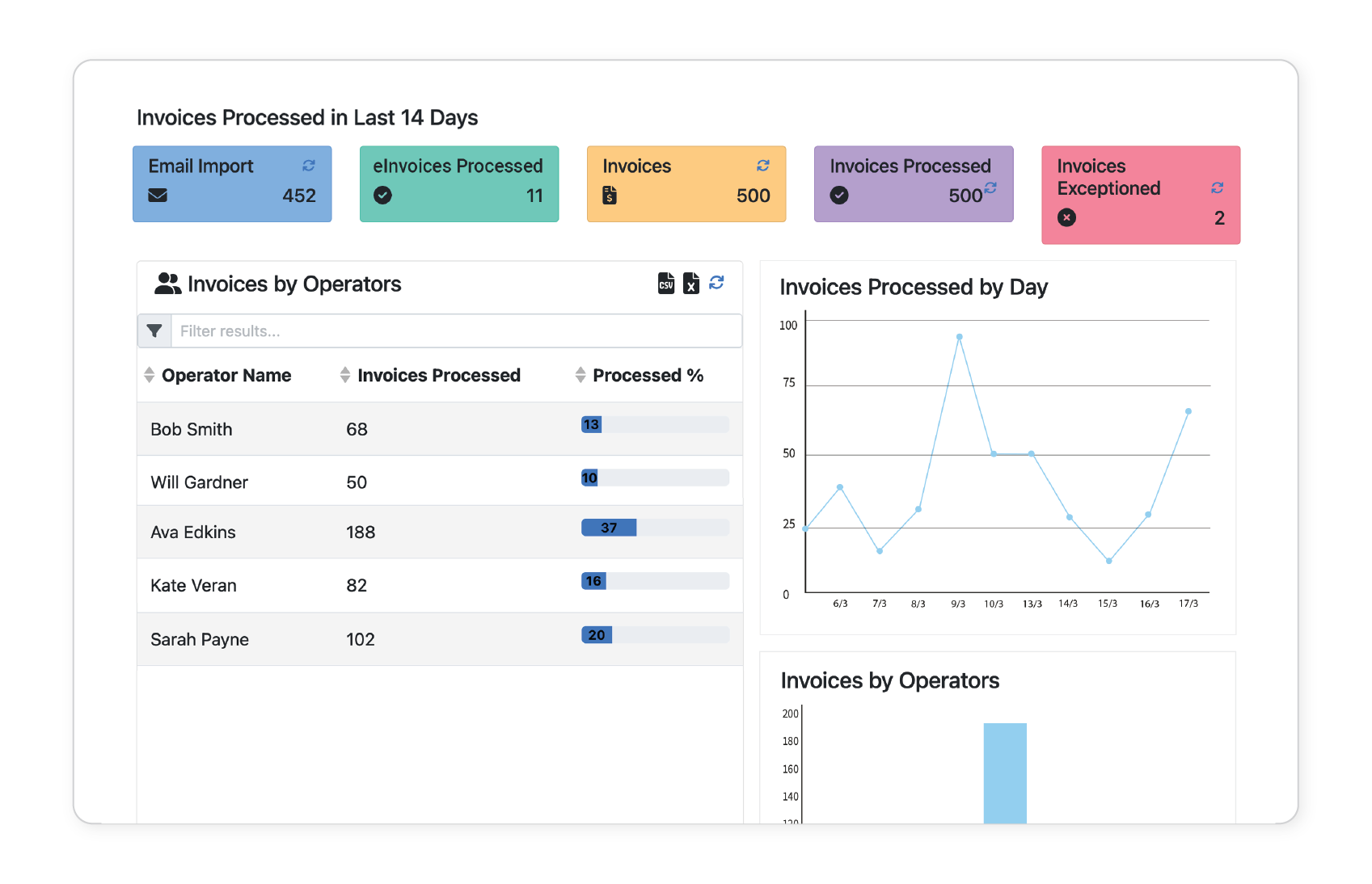
  • Monitor document and form processing performance with real-time operational insights.
  • Analyse processing volumes by document type, category, user, or form submissions.
  • Identify trends, workloads, and high-volume processing activities across your organisation.
  • Track operational performance using real-time metrics to support informed decision-making.
EzeScan DRA Automated Workflows Image